Why Your Menu Needs to Speak Your Guests' Languages
Watch a guest read a menu in their second language and you will see the same thing happen. They skim, recognise one or two dishes, and order those. The dish they would have loved stays unordered because the description took too much effort. A menu in their own language changes that, and it changes what your team has to explain at the table.
What "multilingual" should actually mean
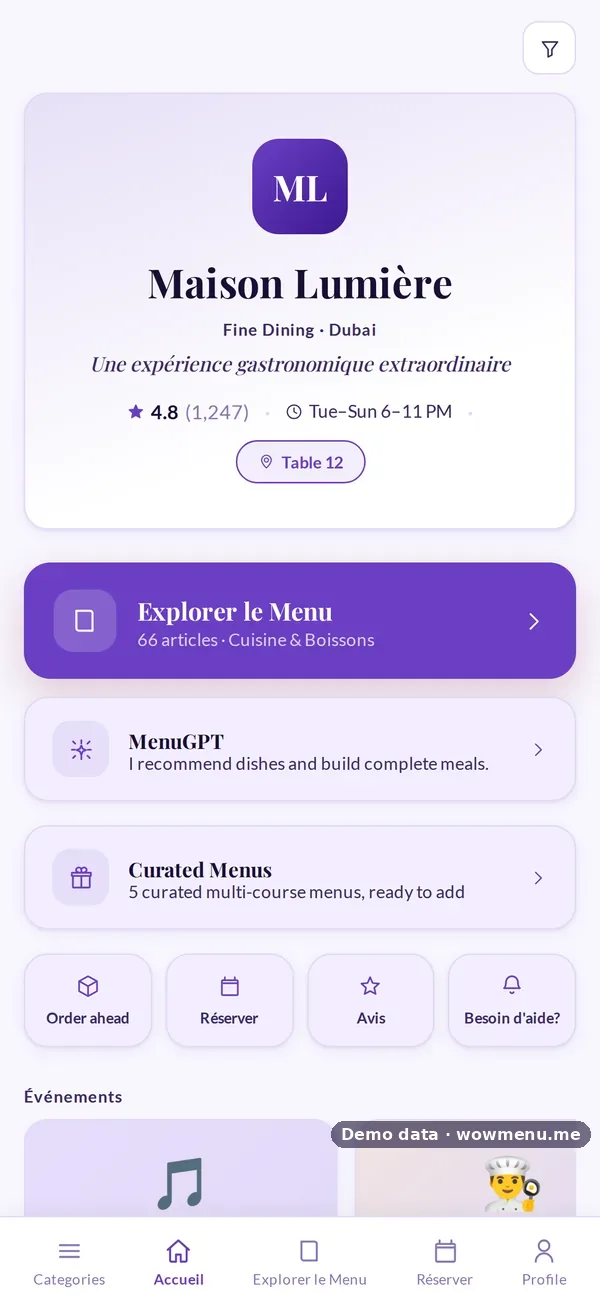
A translated PDF is not a multilingual menu. A properly multilingual menu lets the guest:
- Switch in one tap, with the choice remembered next time
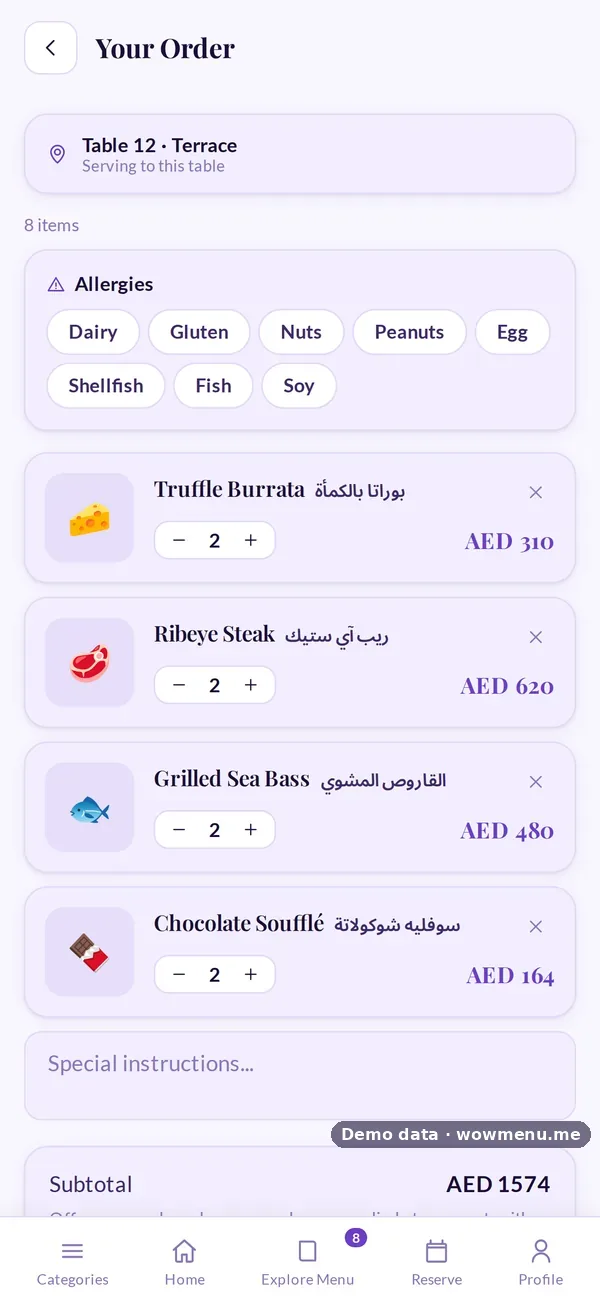
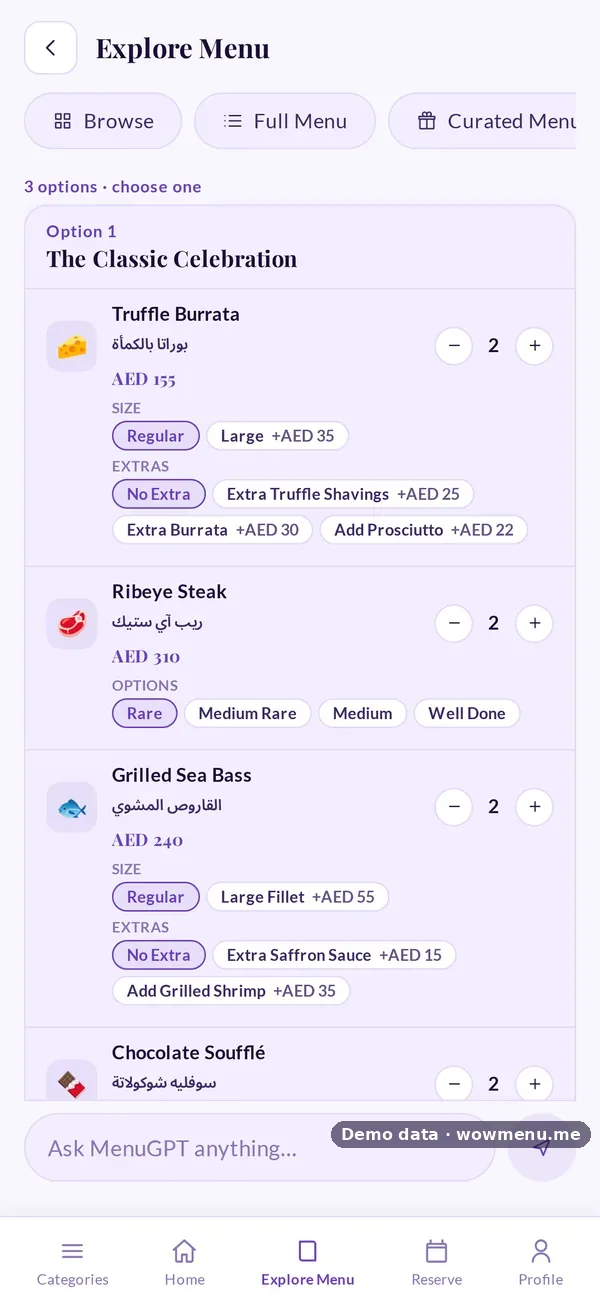
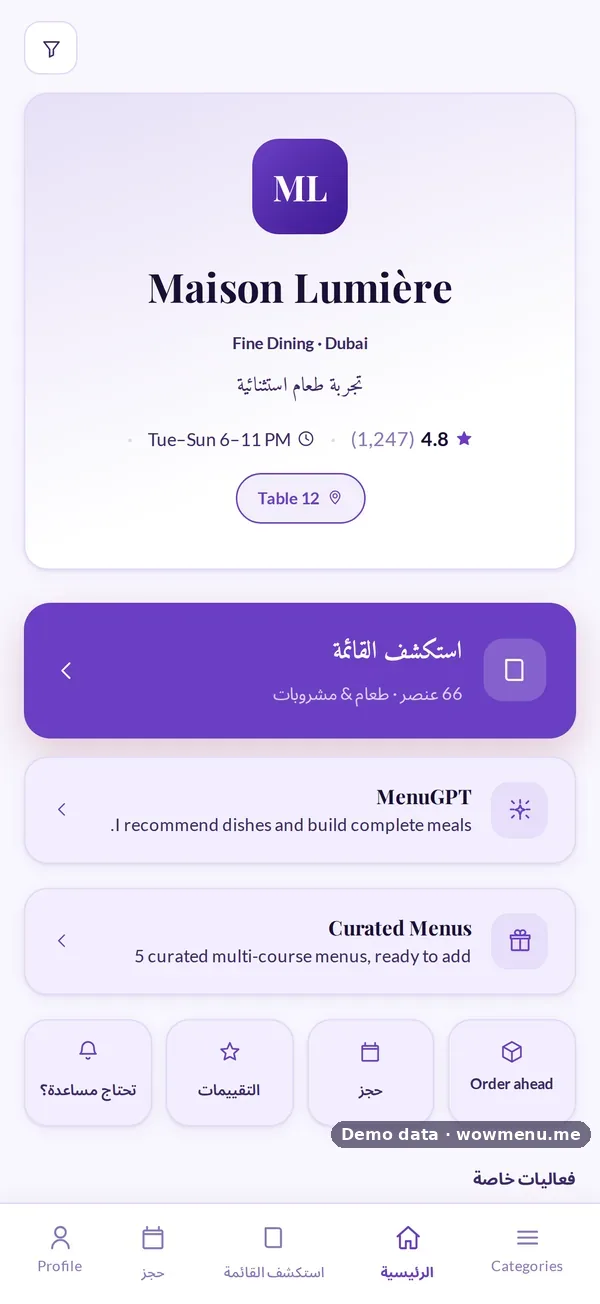
- Read everything in their language: dish names, descriptions, filters and buttons
- Ask for recommendations and get answers in the same language
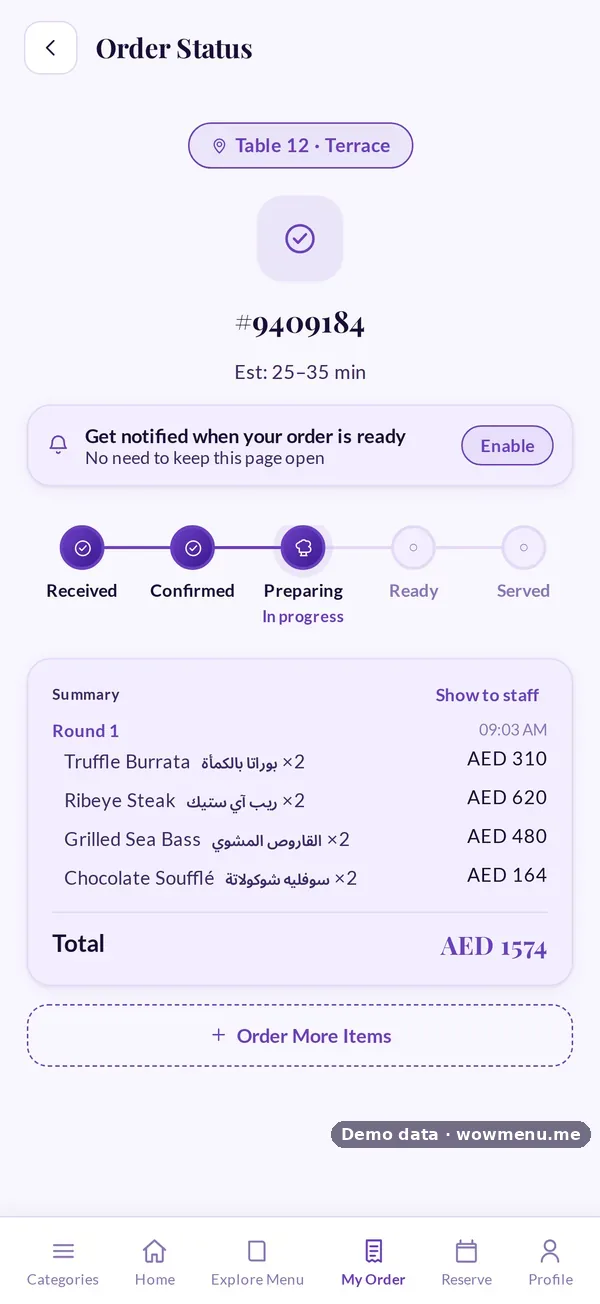
- Order and pay without switching back to English
For Arabic, the whole layout should mirror right to left, with Arabic fonts, rather than Arabic text pasted into a left-to-right page.
How translation works without the busywork
Translating every dish by hand into several languages is what stops most restaurants. On WowMenu the workflow is:
- Write the dish once, in your main language. AI generate can draft the description for you.
- Switch on the languages you need. The Owner Portal offers 27 menu languages.
- Auto-translate fills each language you switched on.
- Review the dishes that matter most, especially names that should not be translated literally.
Which languages to switch on
Start with the languages your guests actually speak, not every language available. A Dubai restaurant might switch on Arabic, Hindi, Urdu, Russian, French and Chinese. A London restaurant might choose Polish, Spanish, Italian, Portuguese and French. Add more as you notice who is at your tables.
Don't forget your team
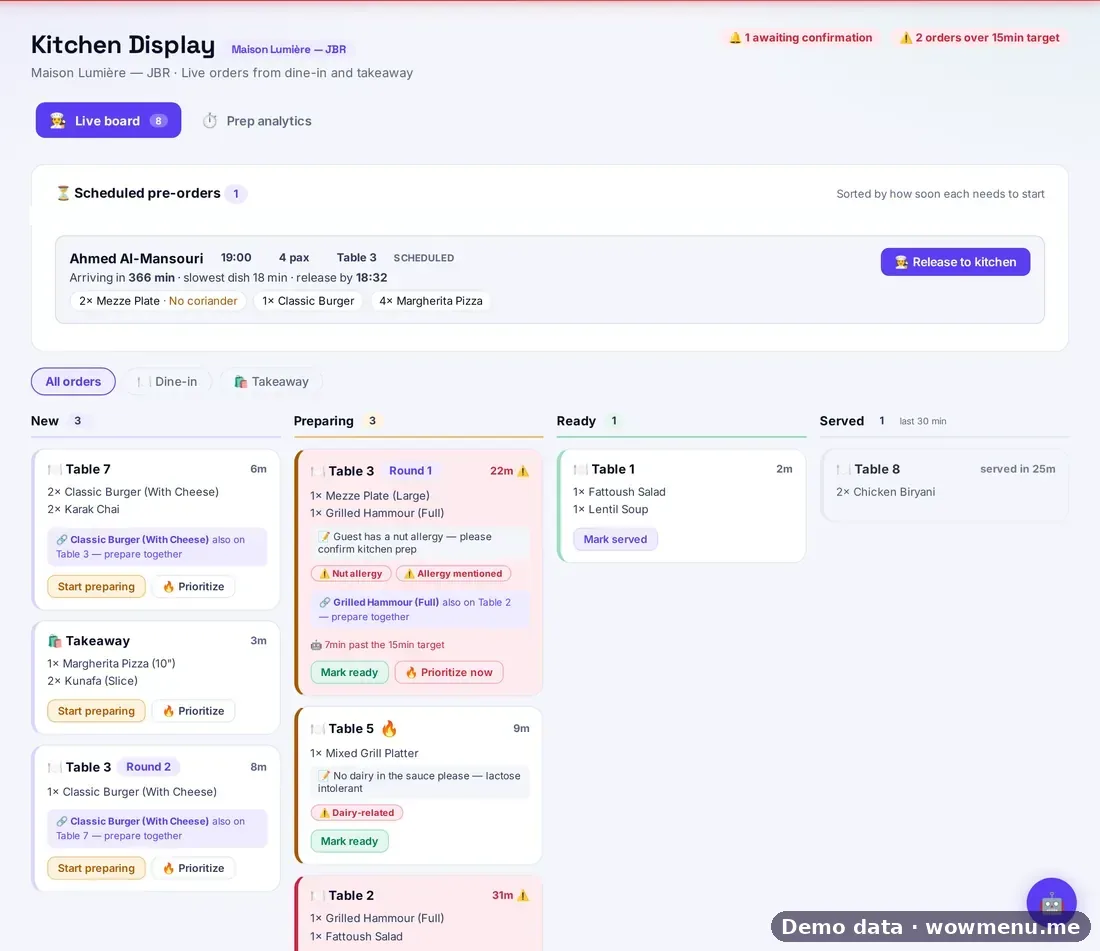
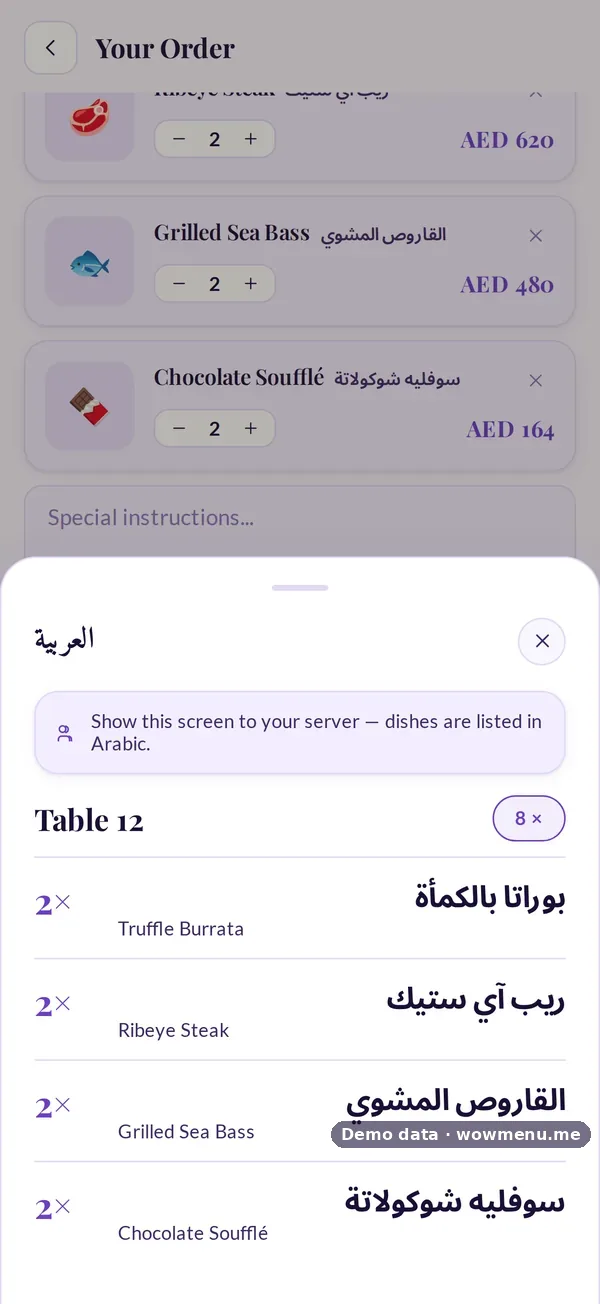
Your guests may read French while your servers work in Arabic, Tagalog or Malayalam. A staff language shows every dish name in your team's language too, and Show to staff opens the order in large text, so nobody translates in their head at a busy pass. A coverage check shows how many dishes already have a name in the staff language. More on staff-language ordering.
Common mistakes
- Translating literally a dish name that guests know in its original form
- Forgetting the filters and buttons, so the guest switches back to English to order
- Switching on languages nobody reviews
- Ignoring your team's language
Where to start
Read about multi-language menus, or, for the Gulf, the Arabic digital menu. UK restaurants can start with multilingual menus in the UK.